GRAIL: Generating Humanoid Loco-Manipulation from World Models#
Start with a video. Recover the human and object motion, transfer it to a Unitree G1, and train a policy to follow it in simulation. The two examples include the video, camera and metric object mesh.
Tip
First time here? Check GPU, disk and time requirements, then start the GPU container and download the weights.
Tutorials#
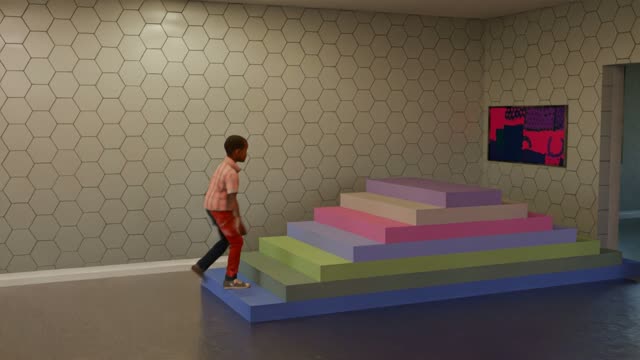
Watch the fitted feet land on each tread, then train a simulated G1 to climb the same stairs.
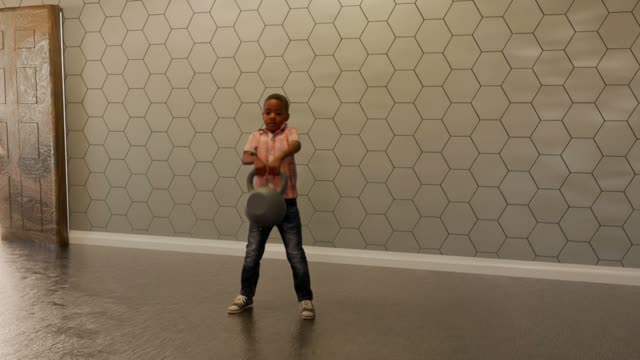
Inspect the human grasp, then watch the robot fingers close around the handle. Continue to simulation to measure how far the policy follows the lift.
For a new case, see the generation route and real-footage limits. You can finish with the G1 motion and preview, or continue to simulation. See the glossary and outputs reference.
Pipeline at a glance#
Project · Paper · Source code
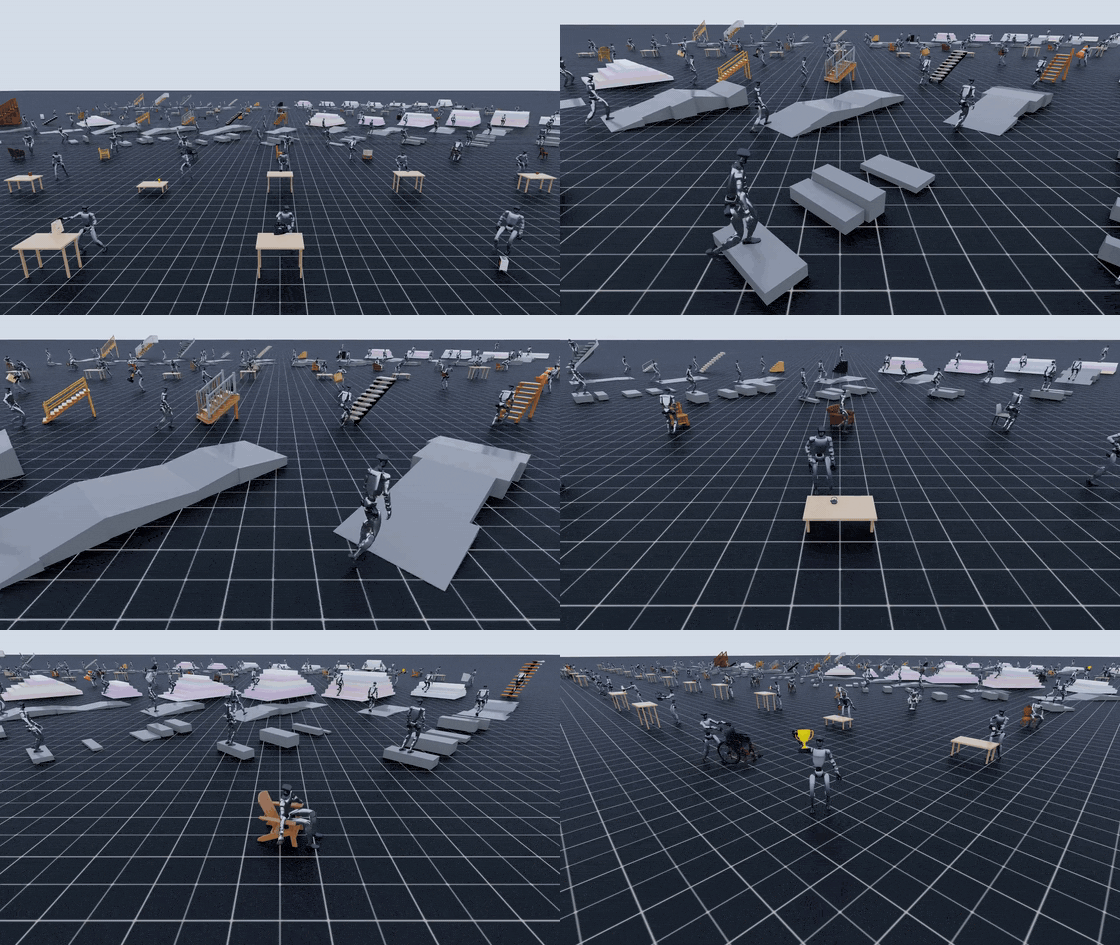
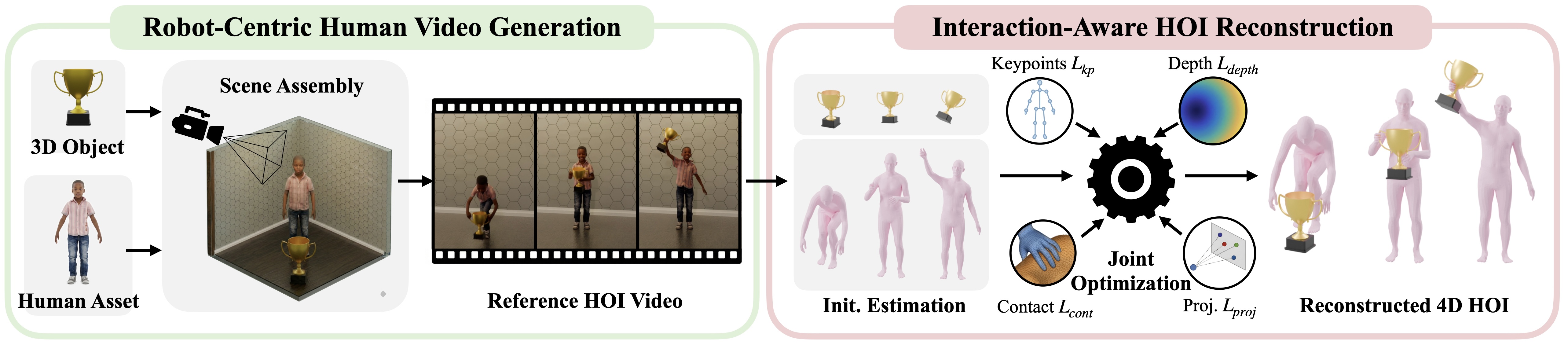
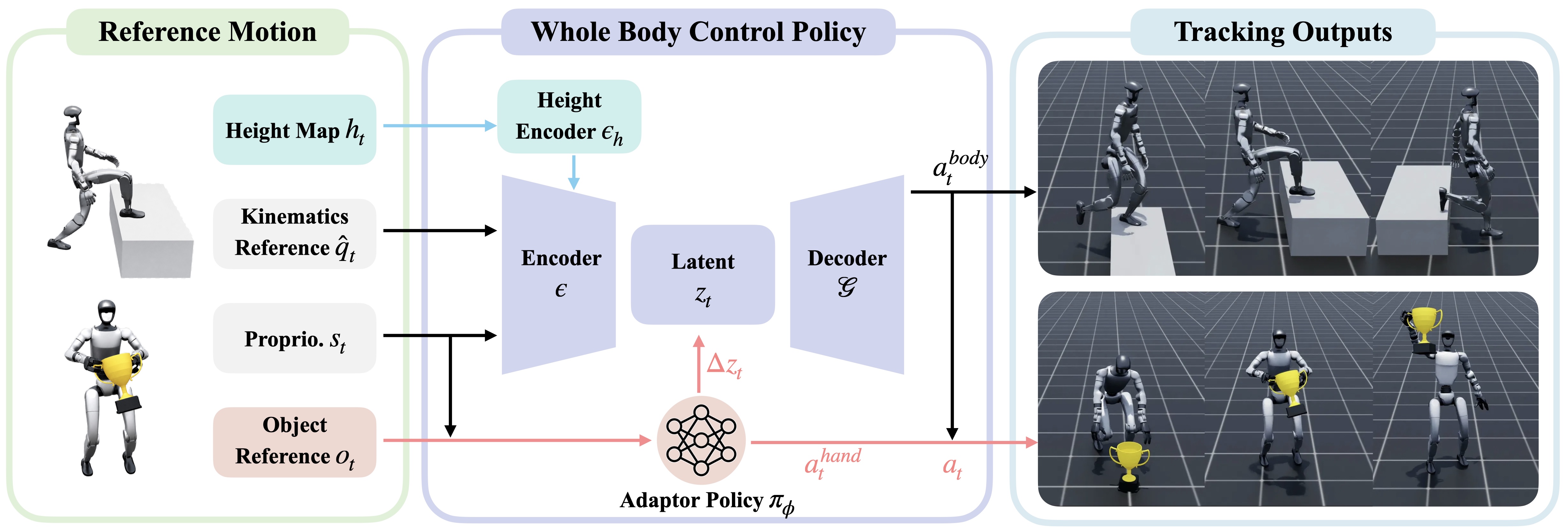
The bundled examples start at the video and scene. If you are generating a new scene, first create the mesh and generate the video.
Reconstruct the human and object, then inspect the fit against the source video.
Retarget the reviewed motion to the Unitree G1, preserving the finger joints for the kettlebell grasp.
Train and evaluate a terrain or manipulation policy with the matching scene and motion. Inspect its rollout metrics before exporting a trajectory.
See the component guide for bundled dependencies and GRAIL Installation Guide for submodules and downloads.
Sim-to-Real Deployment#
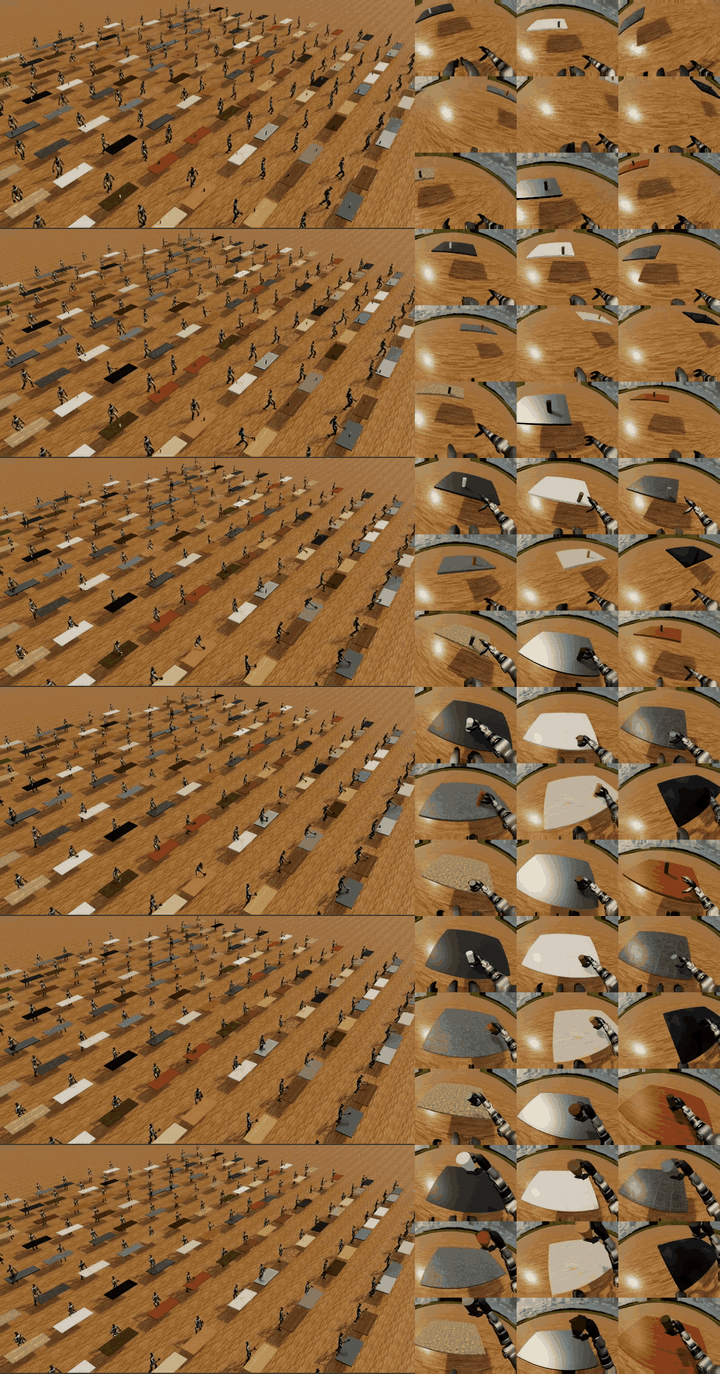
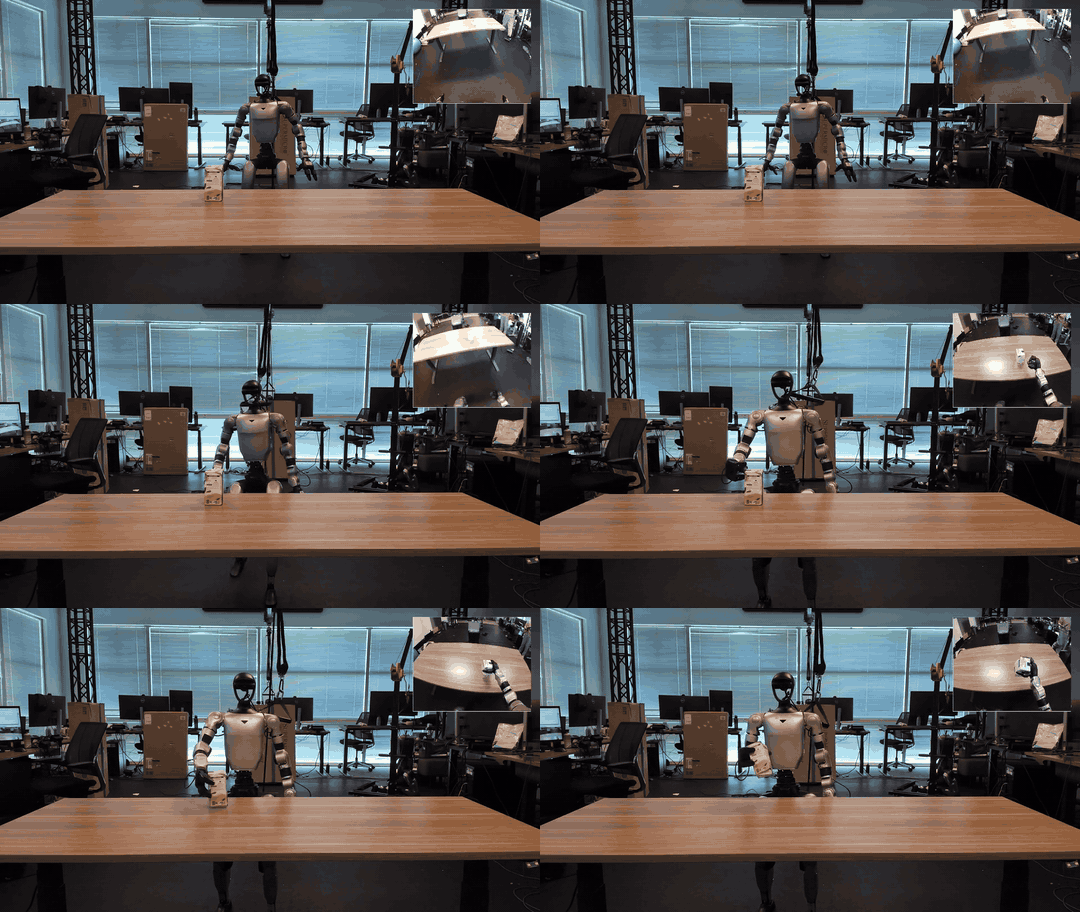
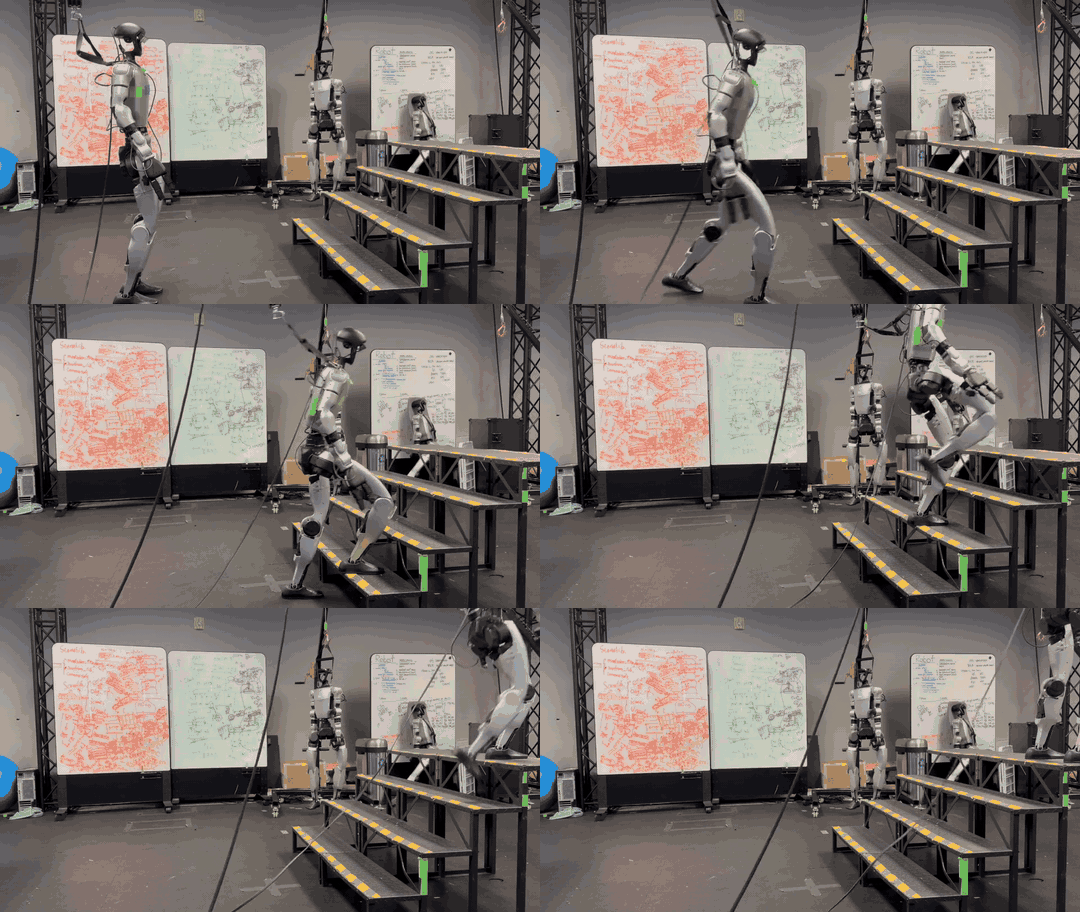
Representative real Unitree G1 deployment results are included for object pick-up and stair-climbing, alongside rendered egocentric views used for visual-policy training.
Rendered Egocentric Views#
Real-Robot Deployment#
Pick-up |
Stair-Climbing |
|---|---|
|
|
Getting Started
Tutorials
Pipelines
Data Exploration