Cameras#
A Camera defines a position and view direction
for rendering the scene.
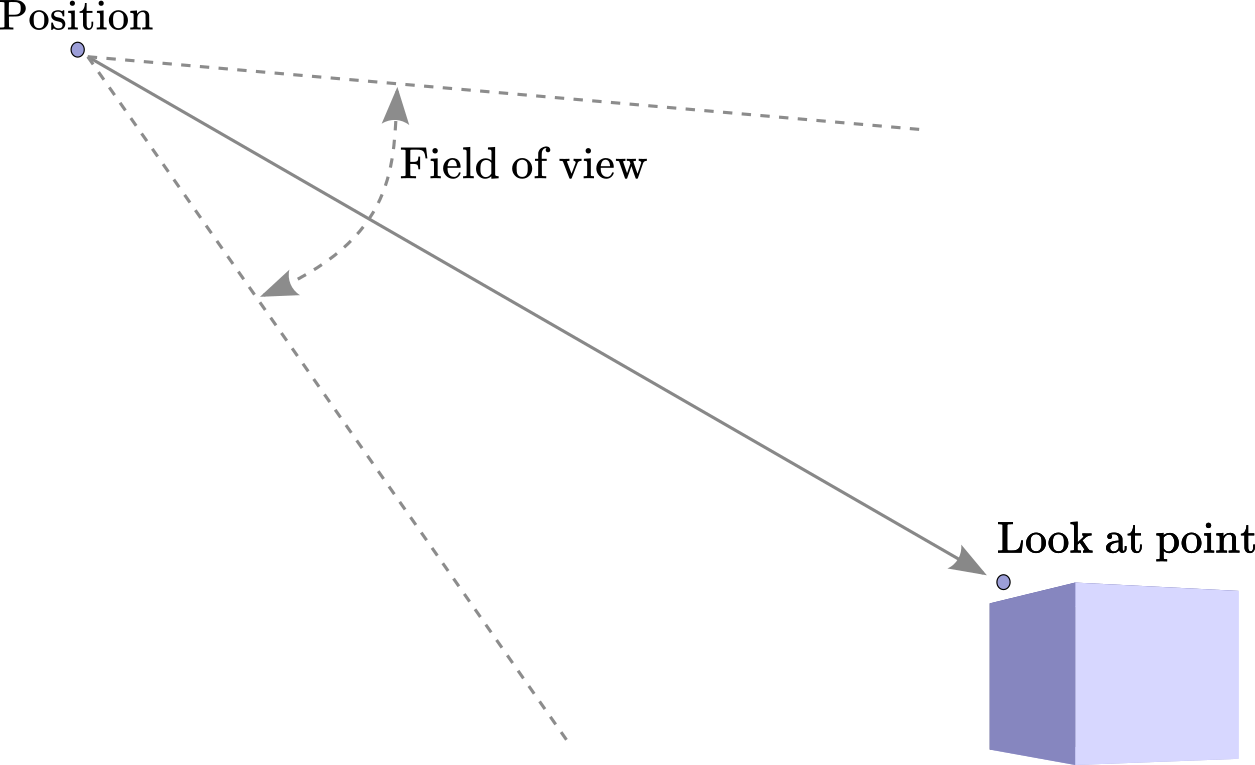
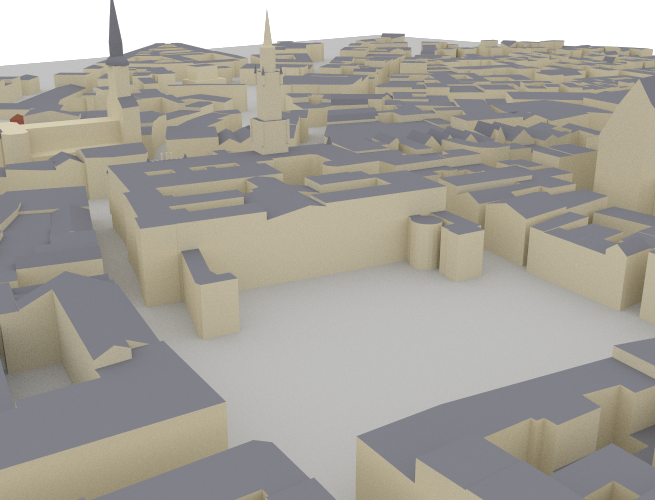
A new camera can be instantiated as follows:
scene = load_scene(rt.scene.munich)
cam = Camera(position=(200., 0.0, 50.))
cam.look_at((0.0,0.0,0.0))
scene.render(cam)
- class sionna.rt.Camera(position: mitsuba.Point3f, orientation: mitsuba.Point3f = (0.0, 0.0, 0.0), look_at: sionna.rt.radio_devices.radio_device.RadioDevice | sionna.rt.scene_object.SceneObject | mitsuba.Point3f | None = None)[source]#
Camera defining a position and view direction for rendering a scene
In its local coordinate system, a camera looks toward the positive X-axis with the positive Z-axis being the upward direction.
- Parameters:
position (mi.Point3f) – Position \((x,y,z)\) [m] as three-dimensional vector
orientation (mi.Point3f) – Orientation \((\alpha, \beta, \gamma)\) specified through three angles corresponding to a 3D rotation as defined in (3). This parameter is ignored if
look_atis not None.look_at (rt.RadioDevice | rt.SceneObject | mi.Point3f | None) – A position or object to look at. If set to None, then
orientationis used to orient the device.
Methods
- look_at(target: sionna.rt.radio_devices.radio_device.RadioDevice | sionna.rt.scene_object.SceneObject | mitsuba.Point3f) None[source]#
Sets the orientation so that the camera looks at a position, scene object, or radio device
Given a point \(\mathbf{x}\in\mathbb{R}^3\) with spherical angles \(\theta\) and \(\varphi\), the orientation of the camera will be set equal to \((\varphi, \theta-\frac{\pi}{2}, 0.0)\). The world z-axis is used as up direction. For a vertical \(\mathbf{x}\), for which the rotation about the local x-axis is not determined by the look-at direction alone, the azimuth is set to \(\varphi=0\).
- Parameters:
target (sionna.rt.radio_devices.radio_device.RadioDevice | sionna.rt.scene_object.SceneObject | mitsuba.Point3f) – A position or object to look at.
- Raises:
ValueError – If
targetcoincides with the camera position, for which the look-at direction is undefined
Attributes
- property orientation#
Get/set the orientation
- Type:
- property position#
Get/set the position
- Type: